
Back to Blog
RewireSwiftiOS
@Rewire: The Complete Technical Guide to PipeKit's Runtime Control Macro
PipeKit Team
One annotation. Zero app store updates. Full control over production.
You shipped your app. A user reports a bug you can reproduce in 30 seconds. The fix is three lines of code. But the fix won't reach that user for 14 days — because App Store review doesn't care about your urgency.
@Rewire exists to close that gap.
This guide covers how the macro works under the hood, how to write nodes that hold up in production, and the mistakes that will burn you if you don't know the rules.
What @Rewire Actually Is
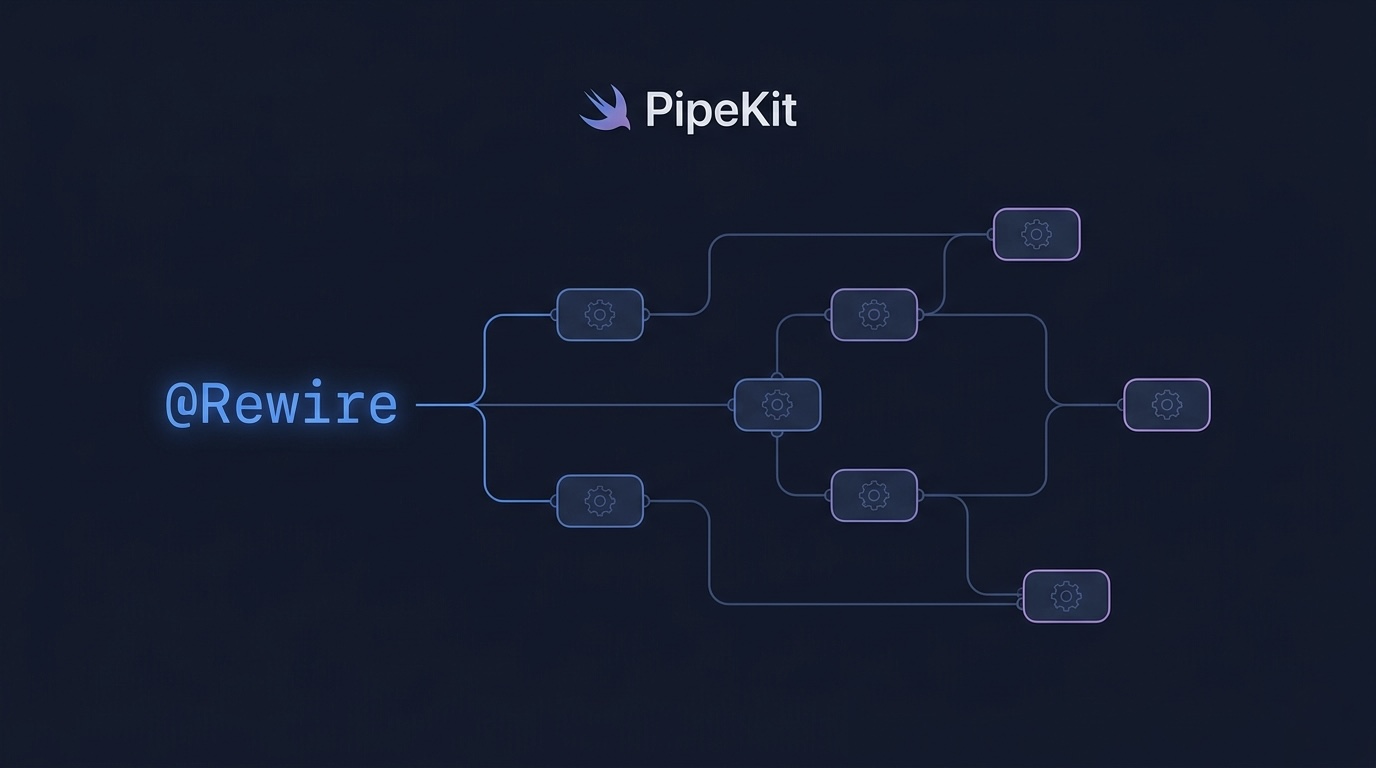
@Rewire is a Swift macro (Swift 5.9+) that turns a plain function into a remotely executable node. When you annotate a function with @Rewire, the compiler generates registration code at build time. That code registers your function into PipeKit's FlowRegistry — a global catalog of every action your app can perform remotely.
There is no runtime code generation. No eval. No dynamic script loading. The macro runs at compile time, and only functions you explicitly mark can be triggered remotely. If it's not in your source code, it can't run.
import PipeKitSDK

@Rewire("Clear Cache")
func clearCache() async -> NodeResult {
    let freed = await CacheManager.shared.purge()
    return .success(["freed": "\(freed)MB"])
}
That's it. This function is now a PipeNode; visible in the PipeKit dashboard, triggerable remotely, and composable into multi-step flows.
How @FlowEntry Eliminates Boilerplate
Without @FlowEntry, you'd need to manually call each rewire property to force registration. @FlowEntry handles this automatically:
@FlowEntry
class AppActions {
    @Rewire("Clear Cache")
    static func clearCache() async -> NodeResult { ... }

    @Rewire("Toggle Feature")
    static func toggleFeature(name: String, enabled: Bool) async -> NodeResult { ... }

    @Rewire("Set Log Level")
    static func setLogLevel(level: String) async -> NodeResult { ... }
}
The @FlowEntry macro generates two things:
1. A registerAllFlows() method that force-loads all @Rewire properties in the class.
2. A hidden ObjC registrar class (`_PipeKit_AppActions_Registrar`) that PipeKit auto-discovers via the Objective-C runtime when PipeKit.configure() is called.
You never call registerAllFlows() yourself. PipeKit's discoverAll() scans for these registrar classes at configure time and invokes them automatically. Zero manual wiring.
Nodes with Parameters
Nodes become powerful when they accept typed parameters. Parameters are passed from the flow definition or overridden at execution time from the dashboard.
@Rewire("Toggle Feature")
func toggleFeature(name: String, enabled: Bool) async -> NodeResult {
    FeatureFlags.set(name, enabled)
    return .success(["feature": name, "enabled": "\(enabled)"])
}
The generated code extracts parameters from the FlowContext:
execute: { context in
    let name: String = try context.input(forKey: "name")
    let enabled: Bool = try context.input(forKey: "enabled")
    let result = await toggleFeature(name: name, enabled: enabled)
    context.setOutput(result, nodeId: "toggleFeature")
}
If a parameter is missing or has the wrong type, PipeKit throws a typed error — PipeKitError.missingInput or PipeKitError.typeMismatch — with a clear message that tells you exactly what went wrong.
NodeResult: Success and Failure
Every @Rewire function should return a NodeResult. This is how PipeKit knows whether the action succeeded and what metadata to record.
// Success — action completed, metadata is stored in the execution log
return .success(["freed": "42MB", "entries_cleared": "1,204"])

// Failure — error message is recorded, flow can halt or continue
return .failure("Cache directory not accessible")
The metadata dictionary in .success is freeform — use it to report whatever context the dashboard operator needs to see. Keep it lightweight. Don't serialize entire model objects into it.
Composing Nodes into Flows
Individual nodes are useful. Chains of nodes are where @Rewire becomes a control plane.
Flows are created in the PipeKit dashboard (not in code). You select registered nodes, define execution order, and optionally set default parameters for each step:
{
  "name": "maintenance-routine",
  "steps": [
    { "node": "clearCache", "params": {} },
    { "node": "toggleFeature", "params": { "name": "debug-overlay", "enabled": false } },
    { "node": "setLogLevel", "params": { "level": "warning" } }
  ]
}
When you trigger this flow from the dashboard, PipeKit dispatches it over WebSocket to the target device. The device claims the execution and runs each step sequentially. Each step's result, timing, and any errors are recorded in the execution log.
Think of it like Apple Shortcuts, but for your own app's internal functions — and you trigger them from a web dashboard instead of the device.
The Do's
1. Keep nodes focused — one function, one job
Each node should do exactly one thing. If you need complex behavior, compose multiple nodes into a flow.
// Good — single responsibility
@Rewire("Clear Cache")
static func clearCache() async -> NodeResult { ... }

@Rewire("Reset User Session")
static func resetUserSession() async -> NodeResult { ... }

// Bad — doing too many things in one node
@Rewire("Full Reset")
static func fullReset() async -> NodeResult {
    await CacheManager.shared.purge()
    await SessionManager.shared.reset()
    await Analytics.flush()
    await FeatureFlags.resetAll()
    return .success([:])
}
Why? Because fullReset can't be partially reused. What if you only need to clear the cache without resetting the session? With focused nodes, you build the exact flow you need from the dashboard.
2. Use descriptive identifiers
The string you pass to @Rewire is the display name — it's what your team sees in the dashboard. Make it readable.
// Good
@Rewire("Clear Image Cache")
@Rewire("Toggle Dark Mode")
@Rewire("Set API Endpoint")

// Bad
@Rewire("action1")
@Rewire("fn_23")
@Rewire("doStuff")
The function name becomes the node id (used in flow definitions). The display name is for humans.
3. Make functions static
@Rewire functions must be static. They run as stateless pipeline nodes — data flows through FlowContext, not through self.
@FlowEntry
class NetworkActions {
    // Correct — static
    @Rewire("Retry Failed Requests")
    static func retryFailedRequests() async -> NodeResult {
        let retried = await NetworkQueue.shared.retryAll()
        return .success(["retried": "\(retried)"])
    }
}
4. Return meaningful metadata
The metadata dictionary in `.success` is your debugging lifeline. When something goes wrong in production, these values tell you what actually happened.
@Rewire("Enroll Student")
static func enrollStudent(studentId: String, courseId: String) async -> NodeResult {
    // ... enrollment logic ...
    return .success([
        "enrollmentId": enrollmentId,
        "studentId": studentId,
        "courseId": courseId,
        "timestamp": ISO8601DateFormatter().string(from: Date())
    ])
}
5. Handle errors gracefully — return .failure, don't crash
Return .failure with a clear message. Never let an unhandled exception propagate.
@Rewire("Set Log Level")
static func setLogLevel(level: String) async -> NodeResult {
    guard let logLevel = LogLevel(rawValue: level) else {
        return .failure("Invalid log level: \(level). Expected: debug, info, warning, error")
    }
    Logger.shared.level = logLevel
    return .success(["level": level])
}
The failure message appears in the dashboard execution log. Make it specific enough that the operator doesn't need to check Xcode to understand what went wrong.
6. Group related nodes with @FlowEntry
Organize nodes into logical groups. One @FlowEntry class per domain.
@FlowEntry
class CacheActions {
    @Rewire("Clear Image Cache") static func clearImageCache() async -> NodeResult { ... }
    @Rewire("Clear Network Cache") static func clearNetworkCache() async -> NodeResult { ... }
    @Rewire("Clear All Caches") static func clearAll() async -> NodeResult { ... }
}

@FlowEntry
class NetworkActions {
    @Rewire("Retry Failed Requests") static func retryFailed() async -> NodeResult { ... }
    @Rewire("Switch API Endpoint") static func switchEndpoint(url: String) async -> NodeResult { ... }
}
The Don'ts
1. Don't execute side effects at registration time
The @Rewire macro registers the function — it should not execute any logic during registration. The function body only runs when explicitly triggered from the dashboard.
// WRONG — this network call fires at app launch, not when triggered
@Rewire("Sync Data")
static func syncData() async -> NodeResult {
    // This code is fine — it only runs when the node is triggered.
    // But if you had code OUTSIDE the function body that ran at
    // static-let time, that would be a problem.
    let result = await DataSync.run()
    return .success(["synced": "\(result.count)"])
}
2. Don't use instance methods
@Rewire generates a static let for registration. Instance methods don't work because there's no instance at registration time.
// WRONG — instance method
@Rewire("Bad Node")
func doSomething() async -> NodeResult { ... }

// CORRECT — static method
@Rewire("Good Node")
static func doSomething() async -> NodeResult { ... }
3. Don't put sensitive logic behind @Rewire
@Rewire nodes can be triggered by anyone with dashboard access. Don't expose operations that could cause data loss without additional safeguards.
// DANGEROUS — no safeguards
@Rewire("Delete All User Data")
static func deleteAllUserData() async -> NodeResult {
    await Database.shared.dropAll()
    return .success([:])
}

// SAFER — scoped and guarded
@Rewire("Clear User Cache")
static func clearUserCache(userId: String) async -> NodeResult {
    guard !userId.isEmpty else {
        return .failure("userId is required")
    }
    await CacheManager.shared.clearForUser(userId)
    return .success(["userId": userId])
}
4. Don't return large payloads in NodeResult
The metadata dictionary is for concise status information, not for serializing entire data models.
// BAD — serializing an entire user object
return .success(["user": userObject.toJSON()])

// GOOD — returning a summary
return .success(["userId": user.id, "status": "updated"])
5. Don't duplicate node identifiers
The function name is the node ID. Two functions with the same name in different @FlowEntry classes will collide in the FlowRegistry, the second registration silently overwrites the first.
// These collide — both register as "clearCache"
@FlowEntry class CacheA {
    @Rewire("Clear Cache A") static func clearCache() async -> NodeResult { ... }
}

@FlowEntry class CacheB {
    @Rewire("Clear Cache B") static func clearCache() async -> NodeResult { ... }
}

// Fix — use unique function names
@FlowEntry class CacheA {
    @Rewire("Clear Image Cache") static func clearImageCache() async -> NodeResult { ... }
}

@FlowEntry class CacheB {
    @Rewire("Clear Network Cache") static func clearNetworkCache() async -> NodeResult { ... }
}
6. Don't use @Rewire for long-running operations without timeouts
If a node hangs, the entire flow execution stalls. Build in your own timeout logic.
@Rewire("Upload Analytics")
static func uploadAnalytics() async -> NodeResult {
    do {
        let result = try await withTimeout(seconds: 10) {
            try await AnalyticsService.shared.upload()
        }
        return .success(["uploaded": "\(result.count) events"])
    } catch {
        return .failure("Upload timed out after 10s")
    }
}
Real-World Example: University Management System
Here's a complete example from PipeKit's demo app — a university enrollment system with 10 registered nodes and 4 pre-built flows:
import PipeKitSDK

@FlowEntry
class UniversityFlows {

    @Rewire("Lookup Student")
    static func lookupStudent(studentId: String) async throws -> [String: Any] {
        guard let student = StudentsDB.find(studentId) else {
            throw PipeKitError.custom("Student not found: \(studentId)")
        }
        return student
    }

    @Rewire("Check Prerequisites")
    static func checkPrerequisites(studentId: String, courseId: String) async throws -> Bool {
        guard let student = StudentsDB.find(studentId) else {
            throw PipeKitError.custom("Student not found")
        }
        return student.hasPrerequisites(for: courseId)
    }

    @Rewire("Enroll Student")
    static func enrollStudent(studentId: String, courseId: String) async throws -> [String: Any] {
        guard let course = CoursesDB.find(courseId) else {
            throw PipeKitError.custom("Course not found")
        }
        guard !course.isFull else {
            throw PipeKitError.custom("Course is at capacity")
        }
        let enrollment = try await EnrollmentService.enroll(studentId, in: courseId)
        return [
            "enrollmentId": enrollment.id,
            "studentId": studentId,
            "courseId": courseId,
            "status": "enrolled"
        ]
    }

    @Rewire("Send Notification")
    static func sendNotification(email: String, message: String) async throws -> String {
        guard email.contains("@") else {
            throw PipeKitError.custom("Invalid email address")
        }
        return try await NotificationService.send(to: email, body: message)
    }

    @Rewire("Generate Transcript")
    static func generateTranscript(studentId: String) async throws -> [String: Any] {
        let student = try await StudentsDB.findOrThrow(studentId)
        let courses = try await student.enrolledCourses.asyncMap { courseId in
            try await CoursesDB.findOrThrow(courseId)
        }
        return [
            "studentId": studentId,
            "studentName": student.name,
            "gpa": student.gpa,
            "courses": courses.map { $0.summary }
        ]
    }
}
From the dashboard, an administrator can compose these into flows like "Full Enrollment" (lookup → prerequisites → enroll → notify) or "Generate Report" (lookup → GPA → transcript) — without touching Xcode.
What's Next
@Rewire is one piece of PipeKit's runtime control plane. Pair it with:
- @PipeFlag — remotely controllable feature flags with real-time push delivery
- Session Replay — visual recordings of device state, tied to every flow execution
- Console Logs & Network Capture — full telemetry indexed by execution ID
PipeKit is currently in private beta. If you're building an iOS app and want to control it after it ships, visit pipekit.tech
Turn it off without shipping a build.
Feature flags, kill switches and session replay for iOS and Android. One SDK, one dashboard.
Get Started Free